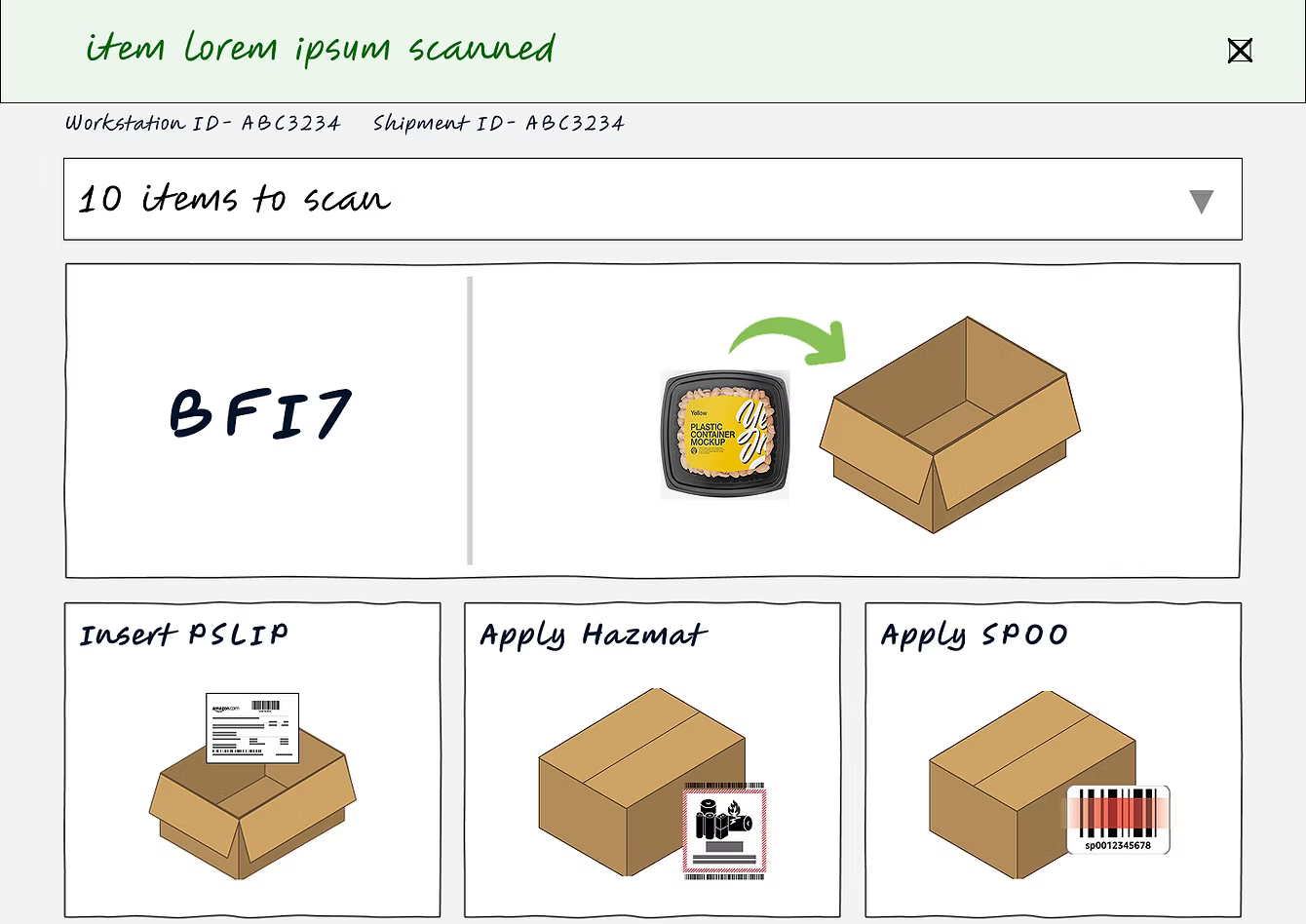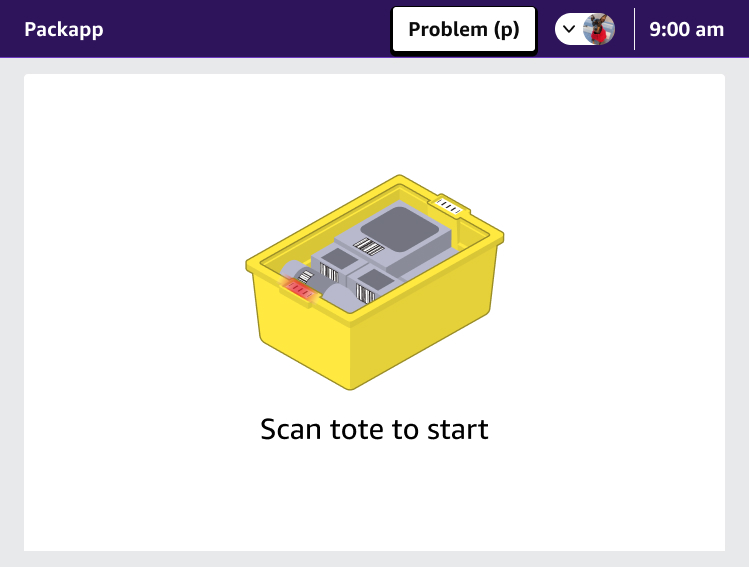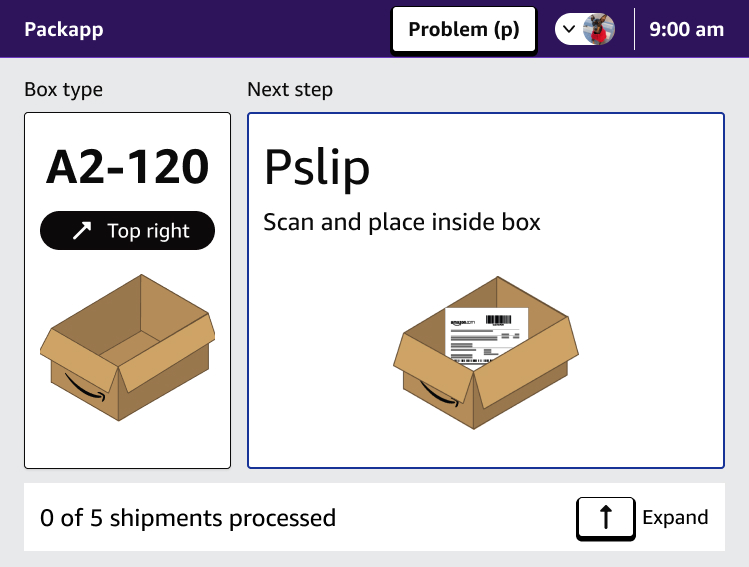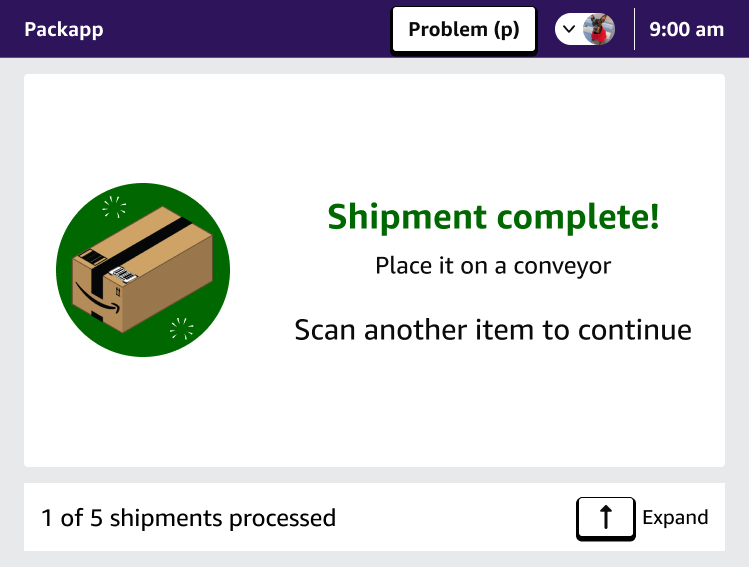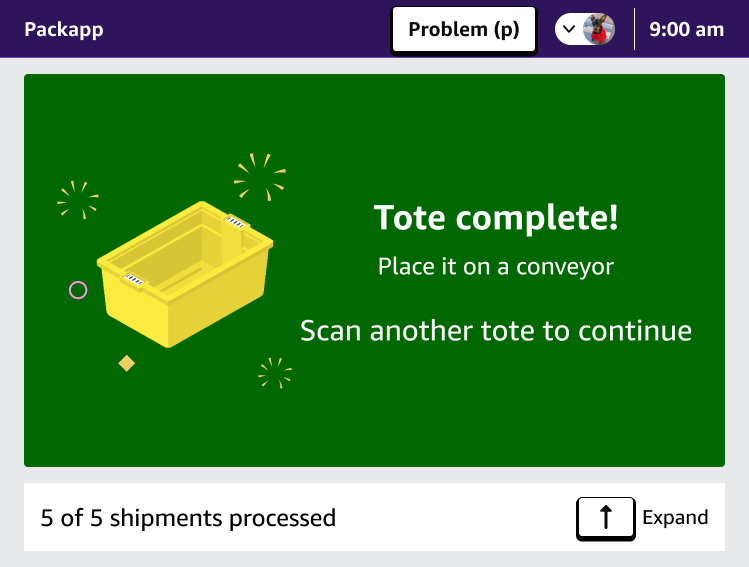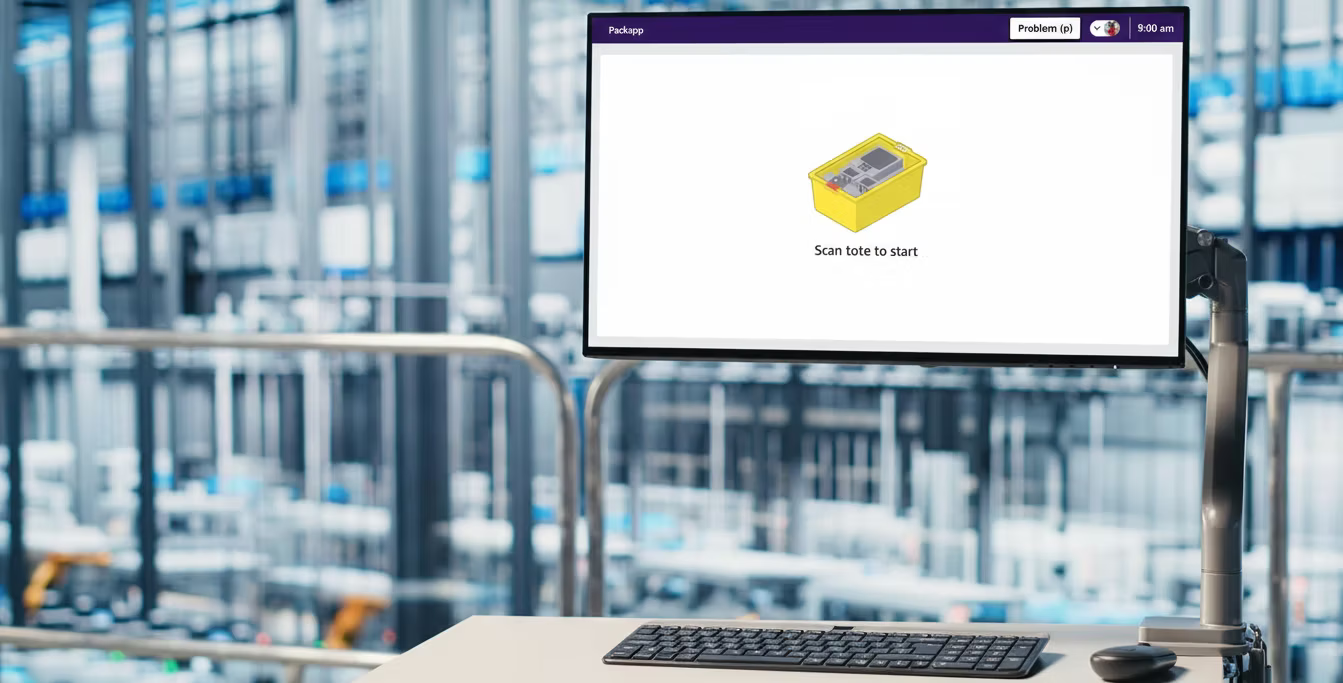
Amazon's fulfillment network depends on packing software to tell associates what to scan, what box to use, what labels to apply, and when a shipment is complete. The associates doing that work spend their entire shift inside one tool: PackApp.
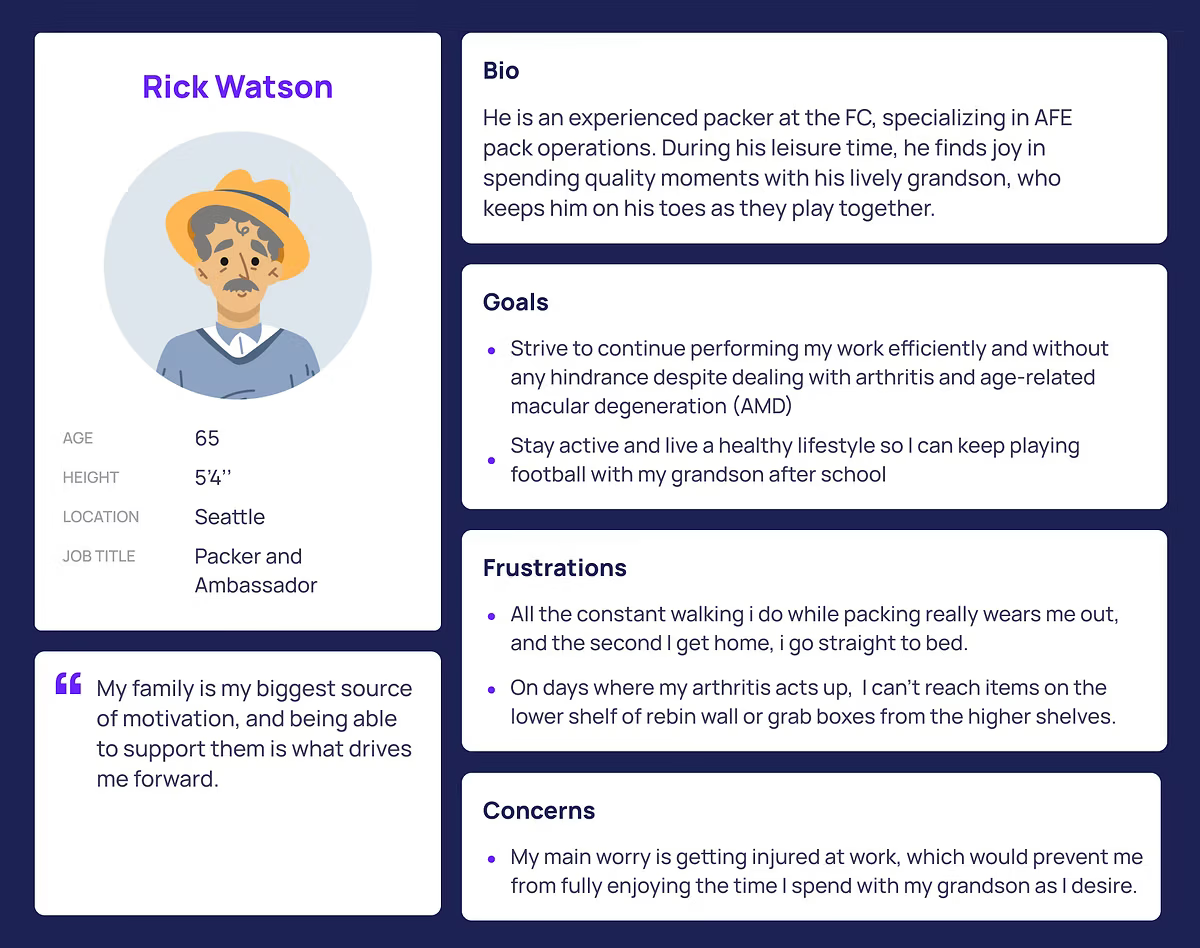
PackApp had not meaningfully evolved with years of operational change. New equipment, new materials, new process paths, regional variations, and a more diverse workforce had all been layered onto an interface originally designed for a simpler operating model. Associates spoke dozens of languages. They had varying levels of tech literacy. Many were new to the job, cross-trained across stations, or working in physically demanding environments for long shifts. The interface did not support that reality.
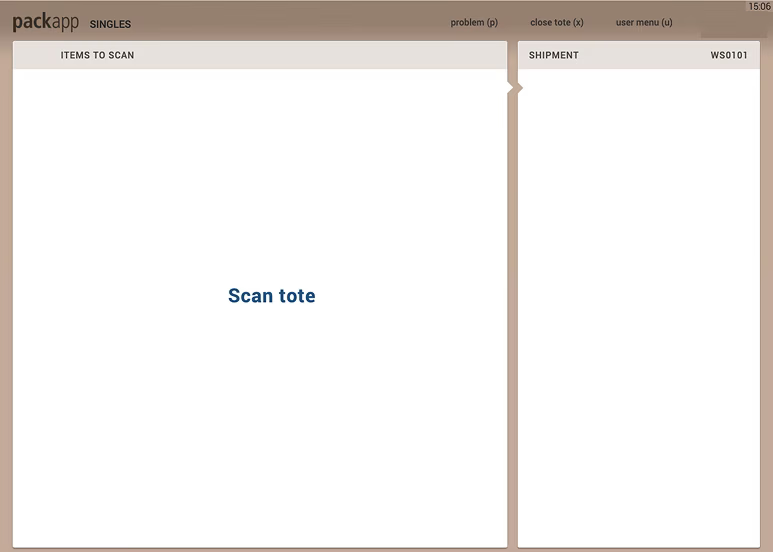
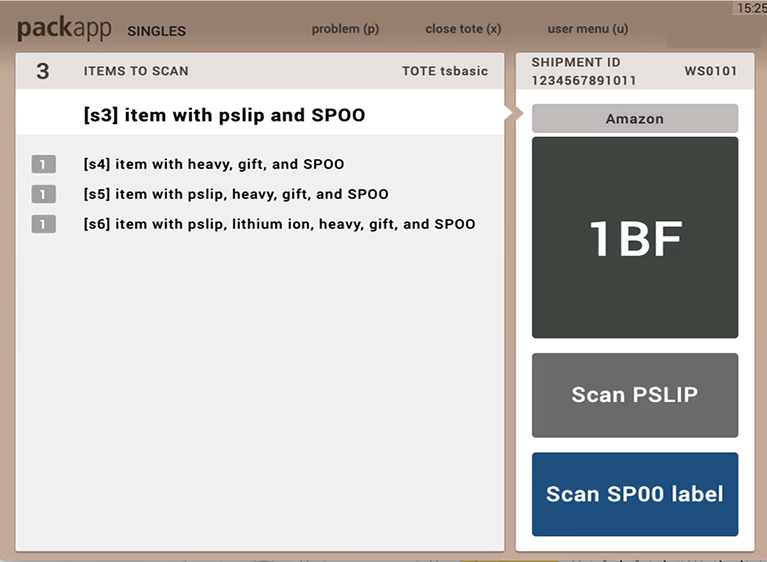
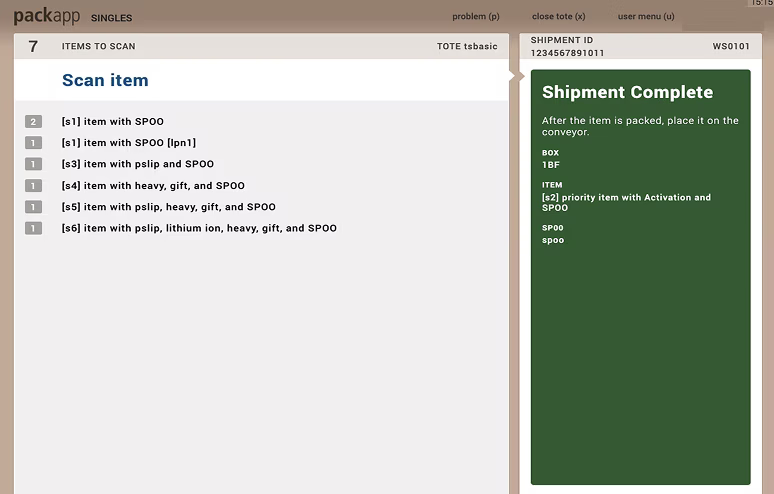
The numbers showed the cost of complexity: Pack had higher training time than comparable process paths, fragmented workflows across 20+ pack modes, and rising operational cost per unit. The problem was not just visual debt. It was cognitive load at industrial scale.
Fragmented pack modes across the fulfillment network
Hours to proficiency in Pack compared with 43hr in a comparable process path
Per-unit pack cost in 2022, up from $0.26 since 2017
Research conducted across North America, Europe, and Japan